
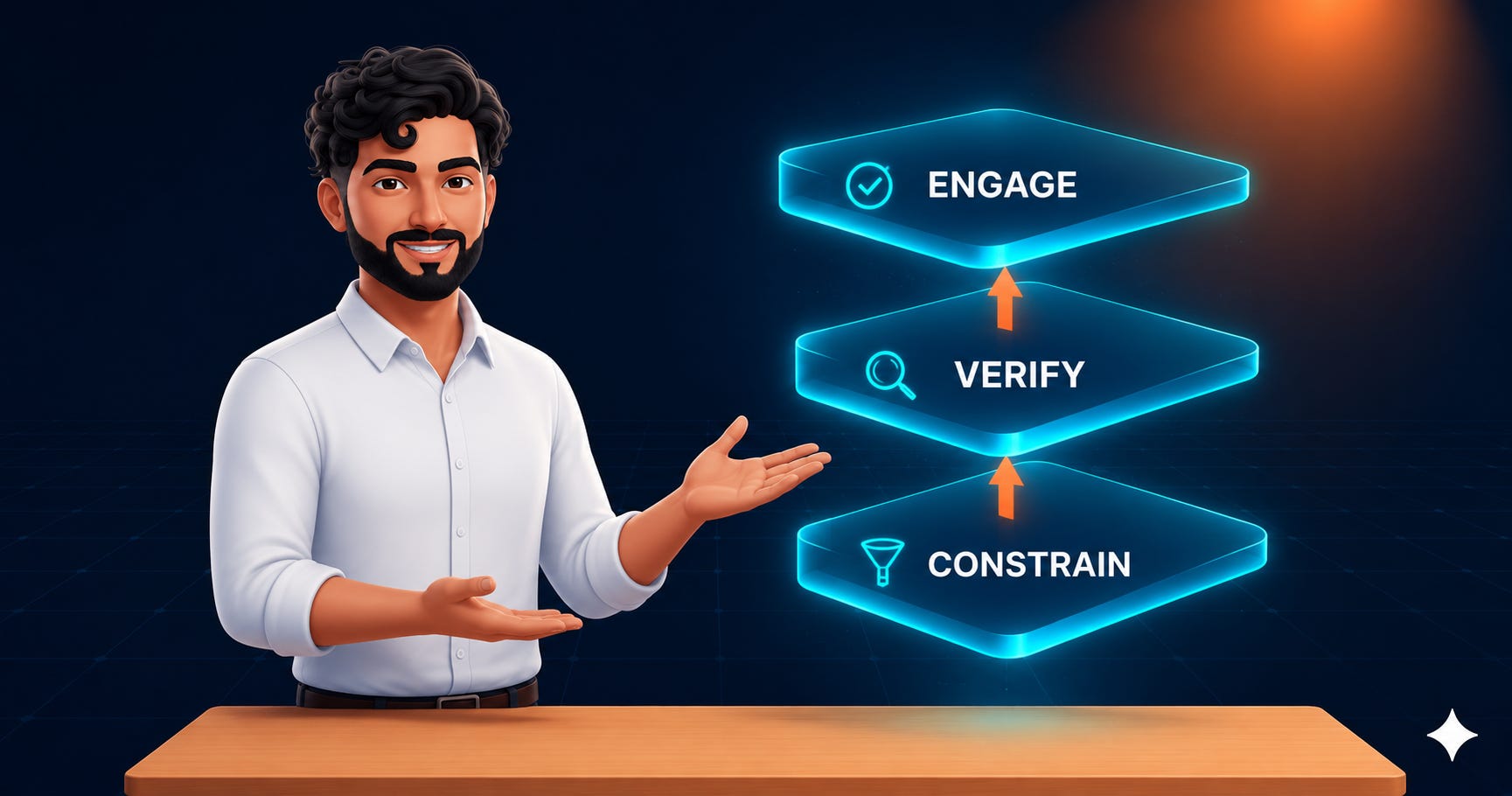
The 3-Layer AI Accuracy Framework (Most People Only Use 1)
Why polished AI output gets checked less, and how Second Memory automates the fix.

The output didn’t get more accurate. Instead, it got more convincing.
🧠 TL;DR: AI accuracy fails for a boring reason. Polished output makes us stop checking it. This piece gives you three checkpoints to run instead: constrain what the AI sees, verify with real independent cross-checks instead of “are you sure,” and force yourself to engage with the unfinished parts before you act on anything. Paid subscribers get a Claude Skill that builds and calibrates all three automatically for whatever recurring AI decision they run.
A few months back, Neha Kabra a McKinsey partner walked me through how she keeps hallucination in check for regulated enterprise clients. Constrained context, a panel of models cross-checking each other, and a human reviewing the outliers, the whole thing built around banks and insurers that have compliance teams and multi-model budgets sitting behind them, which is a luxury most of us writing a client email or a strategy memo on a Tuesday afternoon simply don't have.
Last week, Neha and I went step ahead to conceptualize several layers that demonstrate how organizations may remember more than ever before while understanding less than ever before.
👋 Hi, I’m Raghav.
Most AI content tells you what’s coming. Cash & Cache is for people building with AI: workflows, agents, skills, and the strategy behind them.
I publish weekly on AI implementation & strategy, and every workflow we cover ships with a downloadable asset in the Library.
Browse the Library → Cash & Cache Library
Not sure where to start? Take the quiz
What’s inside this piece:
The suitcase problem: why Layer 1 exists, and the prompt block for it
The “yeah, I double-checked it” problem: why Layer 2 exists, one-tool and two-tool versions
The report-you-sign problem: why Layer 3 exists, and the closing block that makes it real
Dos and don’ts in stitching these layers with your AI
A downloadable Claude Skill that runs all three automatically, calibrated to your own stakes

The problem, in one paragraph
Send someone a messy first draft, typos, half sentences, a few bracketed [FIX THIS] notes, and they’ll read every line. Send the same person a clean, fully formatted final version, and they’ll skim it and sign off, even though nothing about the actual content changed between the two versions. Only the finish did, and that’s the part that’s easy to miss if you haven’t watched it happen to your own work.
Anthropic’s own research on how people use Claude backs this up with actual numbers: when it produces a finished-looking artifact, a document, code, a structured deliverable, people fact-check it 3.7 percentage points less often, and they’re 5.2 points less likely to notice something important is missing.
That’s not a model problem you fix by typing “please be accurate” into the prompt. It’s a finish problem, and the fix for a finish problem is three separate checkpoints, each one catching something the other two structurally can’t reach.
The output didn’t get more accurate. It got more convincing.
Layer 1: Constrain
Researchers once added exactly one irrelevant sentence to a set of grade-school math problems, nothing dramatic, just one sentence, and watched model accuracy drop on problems the same model had been solving fine a moment earlier (Shi et al., ICML 2023). It’s a small, almost funny result until you realize how often we do the equivalent ourselves, dumping every possibly-relevant document into a prompt the way you’d overpack a suitcase because everything in it might come in handy, which mostly just means you spend the trip digging past things you didn’t need to find the one thing you did.
There’s a second version of the same problem, less about volume and more about position: models use information from the start or end of what you give them far better than information buried in the middle (Liu et al., “Lost in the Middle,” 2023), roughly the way you remember the first and last thing someone said in a meeting far better than whatever they said twenty minutes in.

I ran a smaller version of this same lesson a while back with a bloated Claude Skill file that kept loading way more context than any given task needed. The fix there was progressive disclosure, keep the main file lean and only load detail when it’s actually needed. Same fix, different container.
The template you can use to initiate Layer 1:
Answer using ONLY the source material below. If the answer isn't in it,
say so explicitly — do not fill the gap with anything else.

Ignore anything in the source material that isn't directly relevant to
[your specific question, stated narrowly]

[Paste your most important source text here, at the very top or very
bottom of this prompt — never in the middle of a longer block]
The discipline here is really in what you leave out, not what you add.
Layer 2: Verify
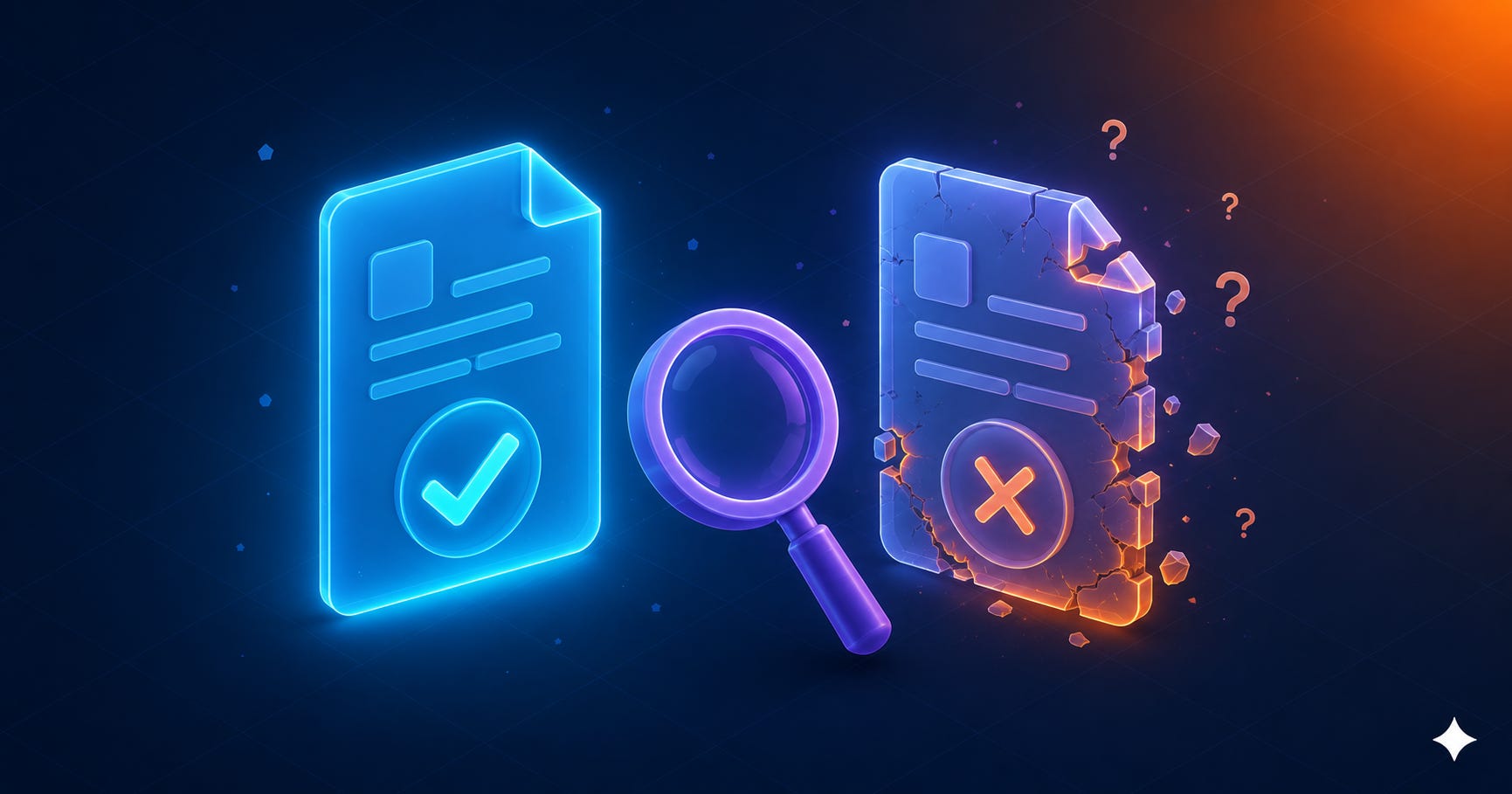
Make the model write out the exact questions that would prove its own answer right or wrong, have it answer those completely separately from the original draft, and only then let it revise. That’s Chain-of-Verification (Dhuliawala et al., 2023), and in testing it more than doubled the precision of the outputs and cut hallucinated details to under a quarter of the original rate, which is a much bigger jump than you’d expect from what sounds like a fairly small procedural tweak.
One-tool template for Layer 2:
List 3-5 specific questions that, if answered, would verify or disprove
the key claims in your answer above.

Now answer each of those questions completely fresh — do not refer back
to your original answer while doing this.

Now revise your original answer based only on what those independent
answers actually support.
Two-tool template, if you’ve got a second AI tool open and the stakes justify it:
Here is an answer from [Tool A] to this question: [paste it]

Argue against this answer as if you were trying to find every place it
might be wrong, incomplete, or overconfident. Be specific about what
you'd want to see checked, not just "this could be wrong."
A cross-model check like that genuinely catches more than one model working alone would. But it also requires you to actually go copy an answer into a second tool, which under any real deadline is probably the first step you’ll skip, so the single-tool version above is worth treating as the real default and the two-tool version as the upgrade you reach for occasionally, not the baseline you’re supposed to hit every time.
None of this replaces a real “are you sure?” prompt so much as it explains why that prompt never worked in the first place. It’s the AI equivalent of a coworker saying “yeah, I double-checked it” in a tone that made it pretty obvious they hadn’t, and research on self-correction backs up why: models frequently can’t meaningfully self-correct their own reasoning without something external to check against (Huang et al., 2023). Asking nicely just doesn’t change that. If you’ve already gone through the exercise of figuring out what your AI workflow actually costs you, this is worth running against whichever tool you decided to keep.
Layer 3: Force engagement
Controlled research on this found something a little uncomfortable: the designs that most successfully reduced blind acceptance of AI output were also the designs people rated least favorably to actually use (Buçinca et al., ACM CSCW 2021). Which tells you the friction isn’t a side effect to design away, it’s most of the point.
Nobody skims a document they have to initial page by page, not because the signature changes the content, but because the ritual of engaging with it directly is what breaks the autopilot a clean, finished-looking summary invites you into.
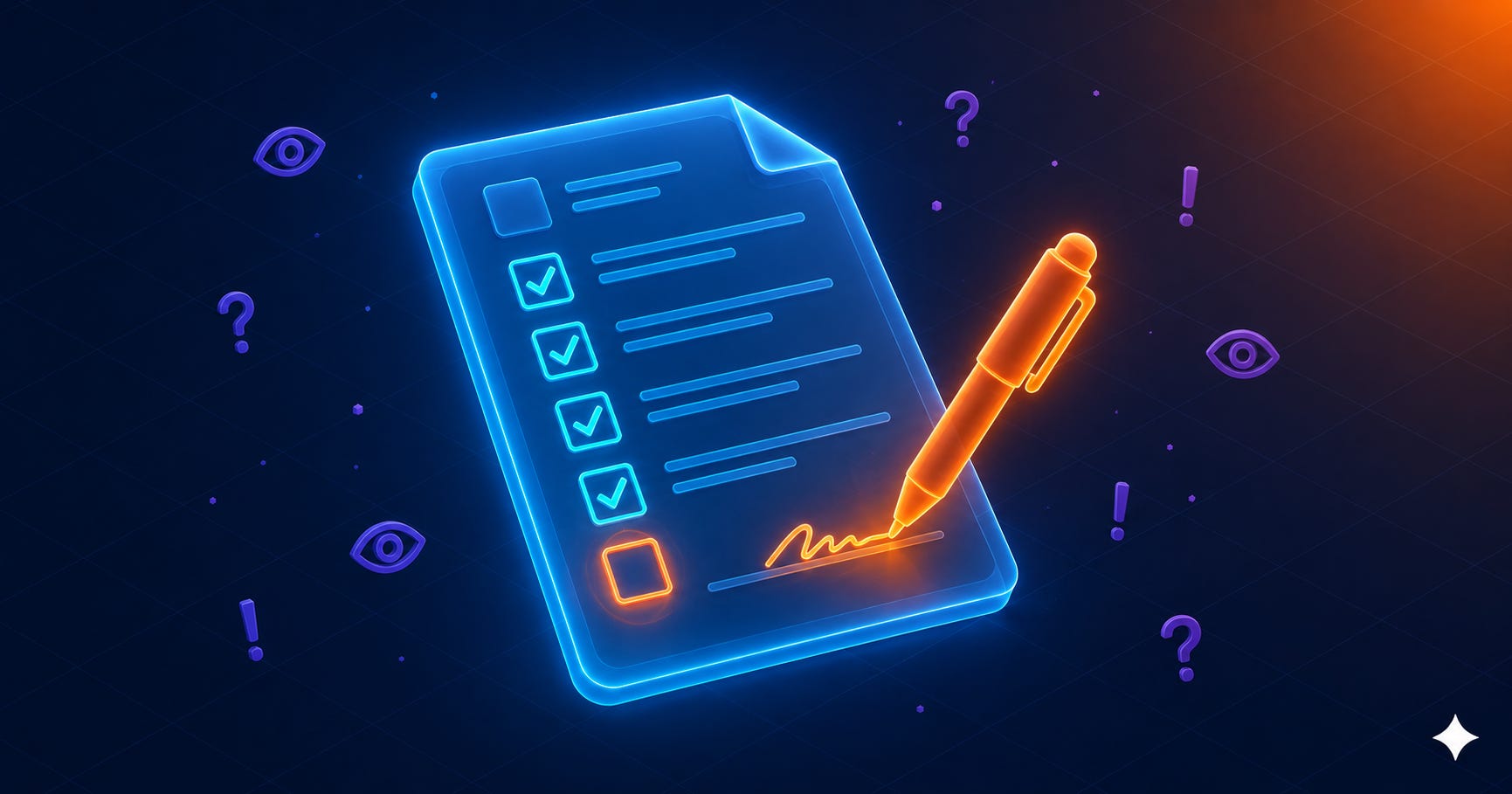
If this layer feels smooth and pleasant, it’s probably not doing its job.
The template, appended to any output you’re about to act on:
Before finishing, add:

Confidence: [high / medium / low] for each major claim above, stated
plainly, not just implied by tone.

Assumptions I made: [list them, even the obvious ones]

What I'd need to verify, or didn't have: [be specific about the gap]

The 2-3 things most likely to be wrong, and where to check them.
Read that block before the polished answer above it if you can manage it. That's really the whole trick, looking at the unfinished, unglamorous part first, before the clean version has a chance to talk you out of checking anything at all.
Dos and don’ts
Do scale Layer 2 to the stakes. A quick internal note doesn’t need a two-tool debate. A client deliverable does.
Do keep Layer 3’s output genuinely unfinished-looking, a checklist with gaps, not a tidy summary. Polish this layer and you’ve rebuilt the exact trap it exists to catch.
Don’t use “double check this” and call it Layer 2. That’s the coworker who says they checked and didn’t. Specific, independent verification questions or nothing.
Don’t skip Layer 1 because Layer 2 and 3 will catch it later. A prompt poisoned by irrelevant context stays poisoned no matter how well you verify afterward.
Don’t run all three layers on every five-second task, or you’ll abandon the whole system within a week. Save the full stack for anything you’d actually be embarrassed to get wrong.

Who this is actually for
This is built for practitioners making recurring AI-assisted decisions, content strategy calls, research synthesis, recommendations you’re handing off to someone else, the kind of task that shows up on your plate more than once a week and is worth the extra ninety seconds each time it does.
It’s not built for one-off casual queries, and it’s not a substitute for actual domain expertise on genuinely high-stakes, regulated calls. If you’re the one making a compliance or financial decision an enterprise depends on, the original enterprise version of this framework, with a real panel of models and a professional reviewing the outliers, is still the right tool. This lighter version was never trying to replace that.
I built this into a skill, so you don’t have to remember it
Everything above works fine as a manual habit, three templates you paste in yourself, as often as the task warrants. The problem is that manual habits decay. You’ll run all three layers religiously for a week and then quietly stop, the same way most good intentions around AI use quietly stop.
So I turned it into a Claude Skill that handles the calibration instead of asking you to remember it, using roughly the same instinct behind the four-question completeness check I built into the Spec Interviewer skill a while back, just aimed at verification instead of scoping. You install it once, it asks you a handful of direct questions, what the task actually is, what happens if it goes wrong, how much friction you’re willing to live with, whether you’ve got a second AI tool open, and then it writes you a second, permanent skill file, personalized to your answers rather than generic.
A generic “check everything” skill gets ignored within a week. One scoped to a real, recurring task actually gets used.
I’m including the complete skill file below, the exact interview questions, the calibration logic, and the generated-skill template, so paid subscribers can install it today and have it running before their next AI-assisted decision. 🔓
